6 / 16
4
Share with Group
-
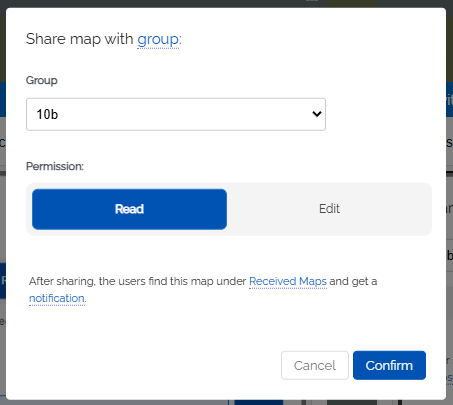
You can share your map directly with one of your groups/classes.
-
Choose “Read Map” or “Edit Map”.
- After sharing, the users of this group will find the map in their personal area under Received.
-
Additionally, all users (students in the class) will receive a notification on Edumaps, which will also link to the shared map.
-
⚙ class